 Kitebill
No-signup invoice
Most invoicing products ask for an email before you see a blank invoice. Kitebill does not. Open the page, fill the fields, print a PDF. No password, no verification code, no marketing drip.
Why freelancers look for "invoice no signup"
- One-off jobs. You need a PDF in five minutes for a client who already agreed the price.
- Privacy. You do not want another SaaS holding your client list.
- Unreliable email. Some people cannot receive verification codes reliably; a tool that skips accounts still works.
- Trying before committing. See whether the layout fits before you keep clients in an app.
Two ways to invoice without an account
| Free generator (/generate) | Full app (/app) | |
|---|---|---|
| Account | None | None |
| Saves data | No — closes with the tab | Yes — in your browser only |
| Best for | One printable invoice now | Repeat clients, statuses, fees, overdue |
| Bilingual labels | EN / EN+AR / EN+UR | Same, in Settings |
| Price | Free | Free for 3 clients / 10 invoices; Pro US$29 once |
What you still need to type
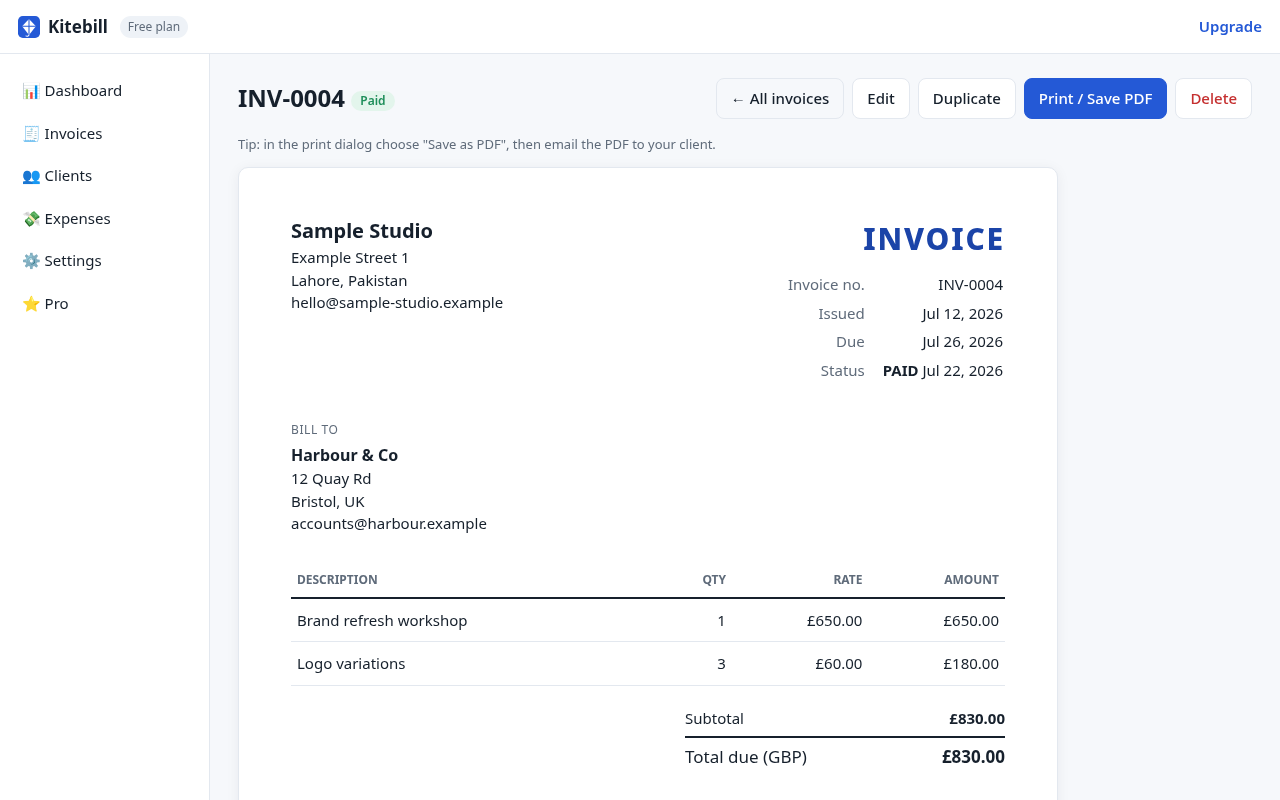
No signup does not mean no professionalism. Include your name, a unique invoice number, dates, the client's legal name, itemised work, currency and how to pay. The freelance invoice guide lists the full checklist.
What "no signup" is not
- Not a tax e-invoicing portal. Some countries require accredited systems (for example ZATCA in Saudi Arabia, or phased UAE e-invoicing). Kitebill makes PDFs.
- Not online card collection. You send the PDF; the client pays by bank, Payoneer, Wise or PayPal.
- Not multi-device sync. The generator saves nothing. The app keeps data in one browser unless you export a backup.
Security habits that still matter
- Do not paste API keys or passwords into invoice Notes.
- If you use the full app, export a backup before clearing browser data.
- Send PDFs through your own email so you keep the sent copy.
Related guides
See also privacy-first invoicing, the local-first explainer, and profession templates under /templates.
Start
Open the free generator or open the full app. Both work without creating an account.
Questions
Is there a catch to the free no-signup invoice?
The generator adds a small "Created with Kitebill" line on the PDF. There is no watermark paywall and no email gate. The generator always prints that line; in the full app, Pro removes it and unlocks unlimited clients and invoices.
Do you store my invoice if I use /generate?
No. The page builds the invoice in your browser and does not write to localStorage or a server.
Can I use no-signup invoicing for Arabic or Urdu clients?
Yes. Choose English + Arabic or English + Urdu labels in the generator.