 Kitebill
Invoices, income and overdue payments, without a subscription.
Kitebill is a simple invoicing web app for freelancers who bill international clients. It runs in your browser, keeps your data on your device, and costs nothing to start.
Free plan: 3 clients and 10 invoices. Pro unlocks unlimited use, expenses, CSV export and your logo.
What you get
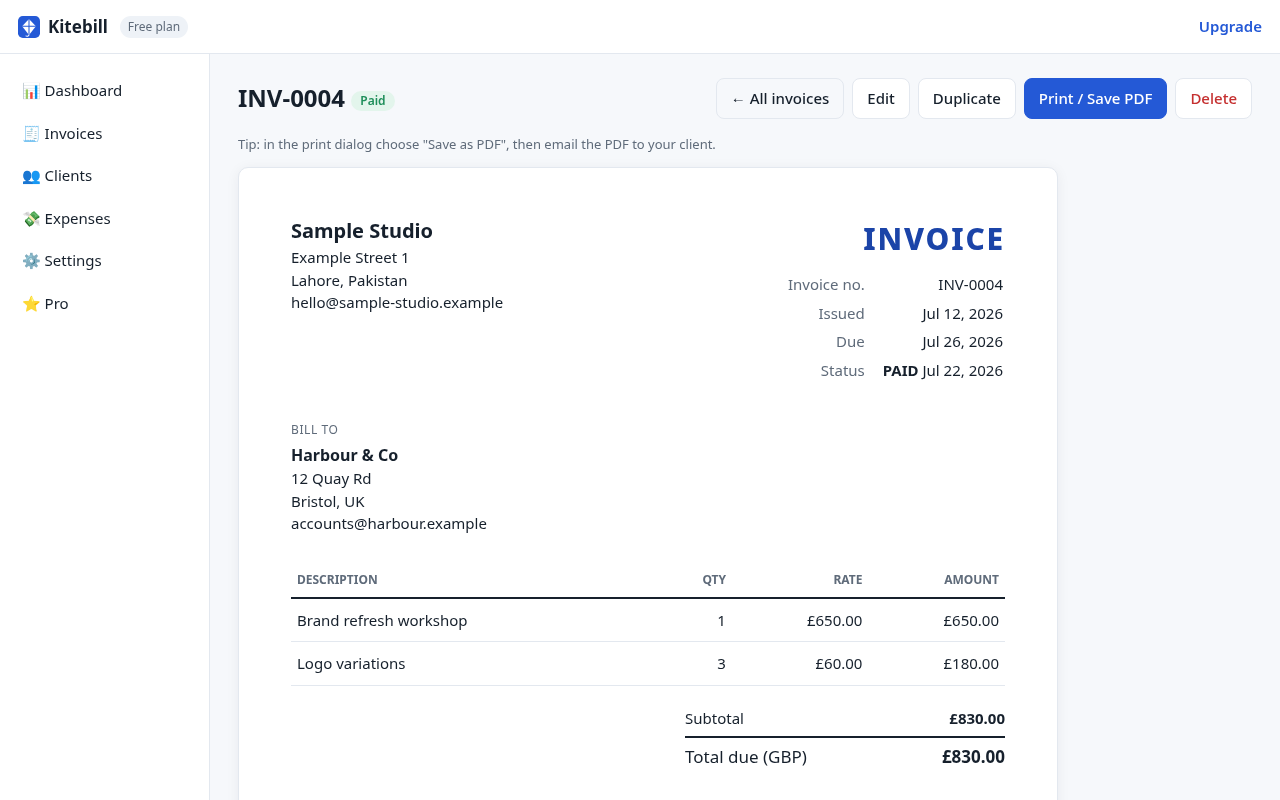
Professional invoices in a minute
Line items, discounts, tax/VAT, notes and your payment instructions. Print or save as a clean PDF from any browser.
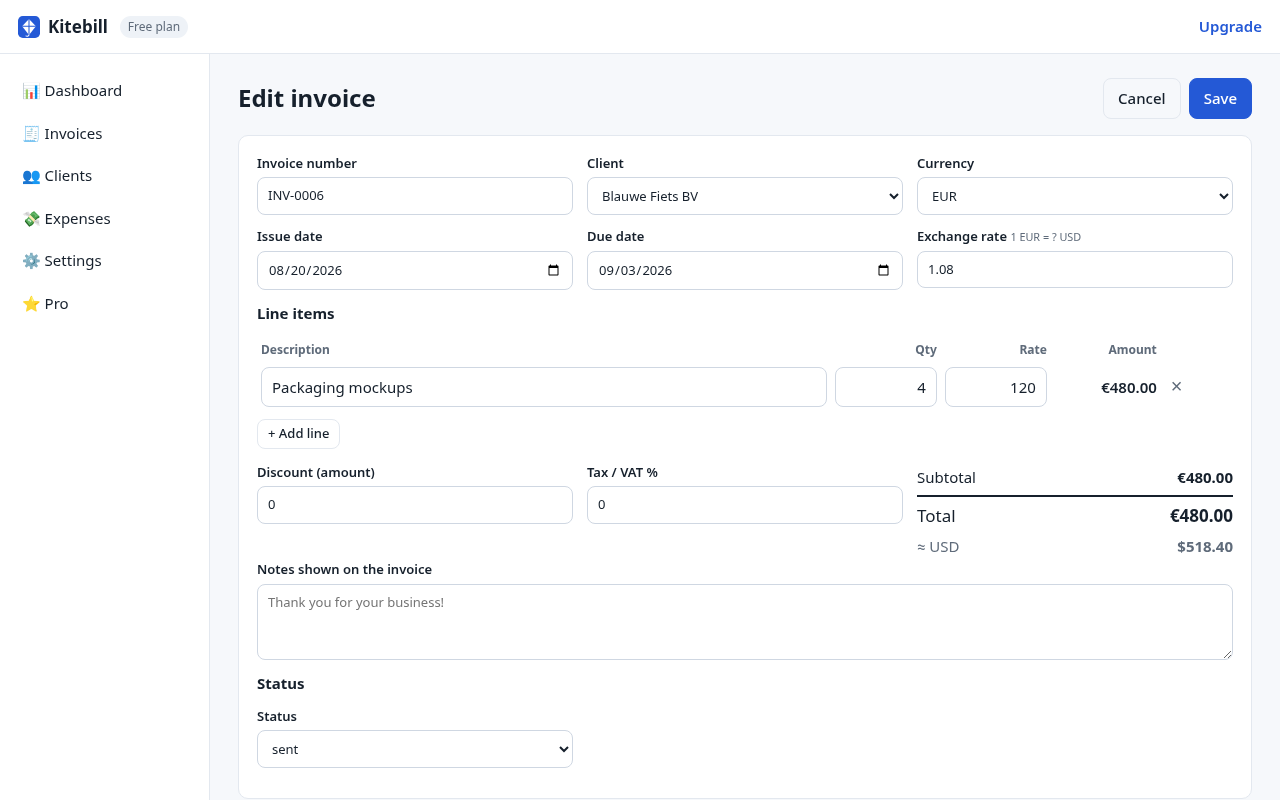
Multi-currency, one base currency
Bill clients in USD, EUR, GBP or 20+ other currencies. Record the exchange rate and see every total in your own currency.
Know what you actually received
Record what landed after platform, PayPal or transfer fees, so your income numbers match your bank.
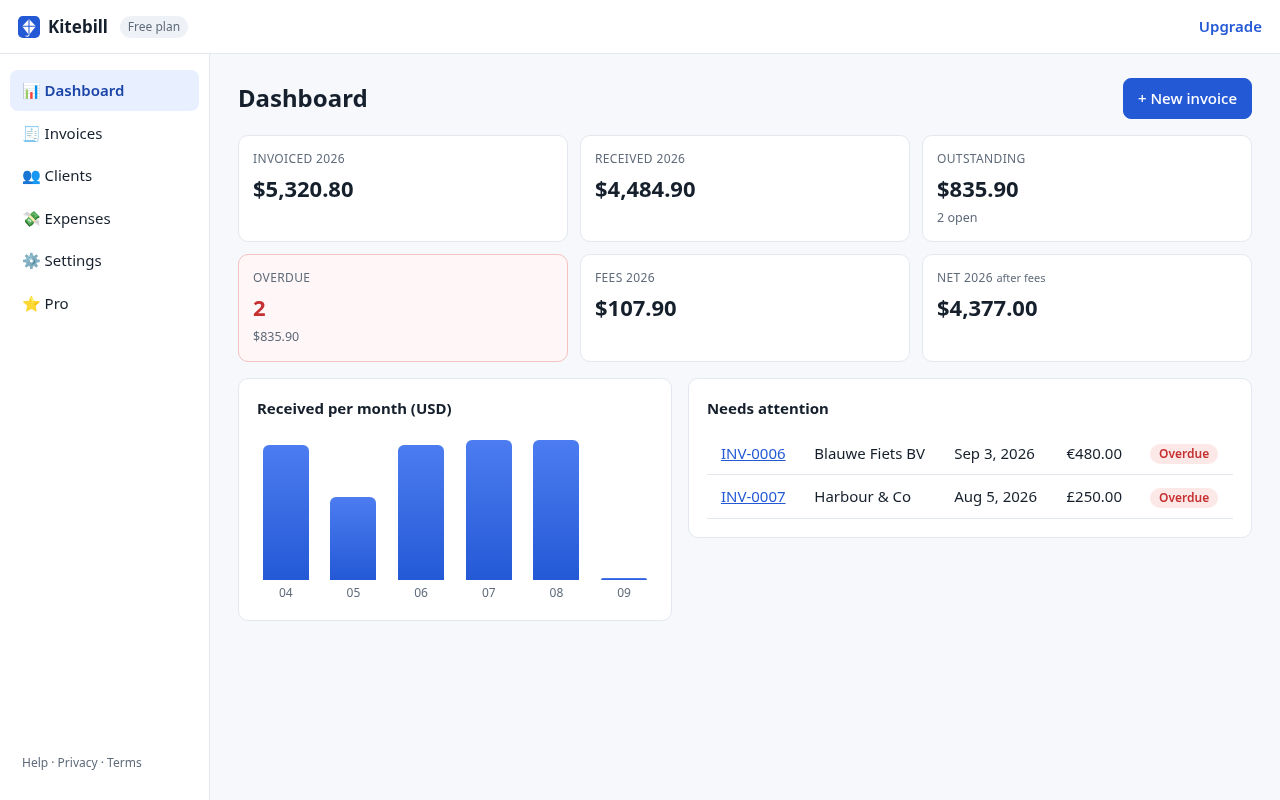
Overdue at a glance
Draft, sent, paid and overdue statuses. The dashboard shows what is open and what is late.
Your data stays on your device
No account and no cloud. Invoices are stored in your browser and never uploaded to us. Export a backup file any time.
Works offline
After the first visit the app loads without internet. No monthly fee, no tracking, no ads.
Clean invoices your clients can pay
- Automatic invoice numbers (your own prefix)
- Your business details, tax ID and payment instructions (bank, Payoneer, Wise, PayPal…)
- Print or save as PDF straight from the browser
- Duplicate last month's invoice in one click
See every currency in yours
- Enter the exchange rate you actually got
- Track platform and transfer fees per invoice
- Monthly received chart and yearly totals
- Export to CSV for your accountant (Pro)
How it works
- Open the app
No signup. Add your business details. - Add clients, send invoices
Save as PDF and email it to your client. - Mark paid, see your income
Upgrade to Pro only if you need more.
Questions
Do I need an account?
No. Open the app and start. Your data is saved in the browser you use.
Where is my data stored?
Only on your device, in your browser's local storage. We never receive it. Use Settings → Export backup to keep a copy or move to another computer.
What does Pro cost?
A one-time payment of US$29 (plus any sales tax/VAT that applies in your country, calculated at checkout). No subscription.
How do I get Pro after paying?
Your license key is shown right after checkout on the thank-you page, with a one-click "Activate" button. You can recover it later with your email and Paddle invoice number.
Can I get a refund?
Yes. There is a 30-day money-back guarantee, no questions asked. See the Refund Policy.
Who processes the payment?
Paddle.com is our Merchant of Record. They handle checkout, payment, sales tax/VAT, receipts and refunds.