 Kitebill
Late fee invoice: how to bill overdue charges honestly
Late fees only stick when the original invoice had a due date, the client agreed to the fee in writing, and the follow-up invoice is calm and specific.
Before you bill a late fee
- Check the contract or Terms the client accepted. No clause → a surprise fee often backfires.
- Confirm the original due date and that the invoice was actually sent.
- One polite reminder first — many "late" invoices are lost emails.
- Calculate simply: flat fee or % per month as written — not an invented penalty.
How to structure the PDF
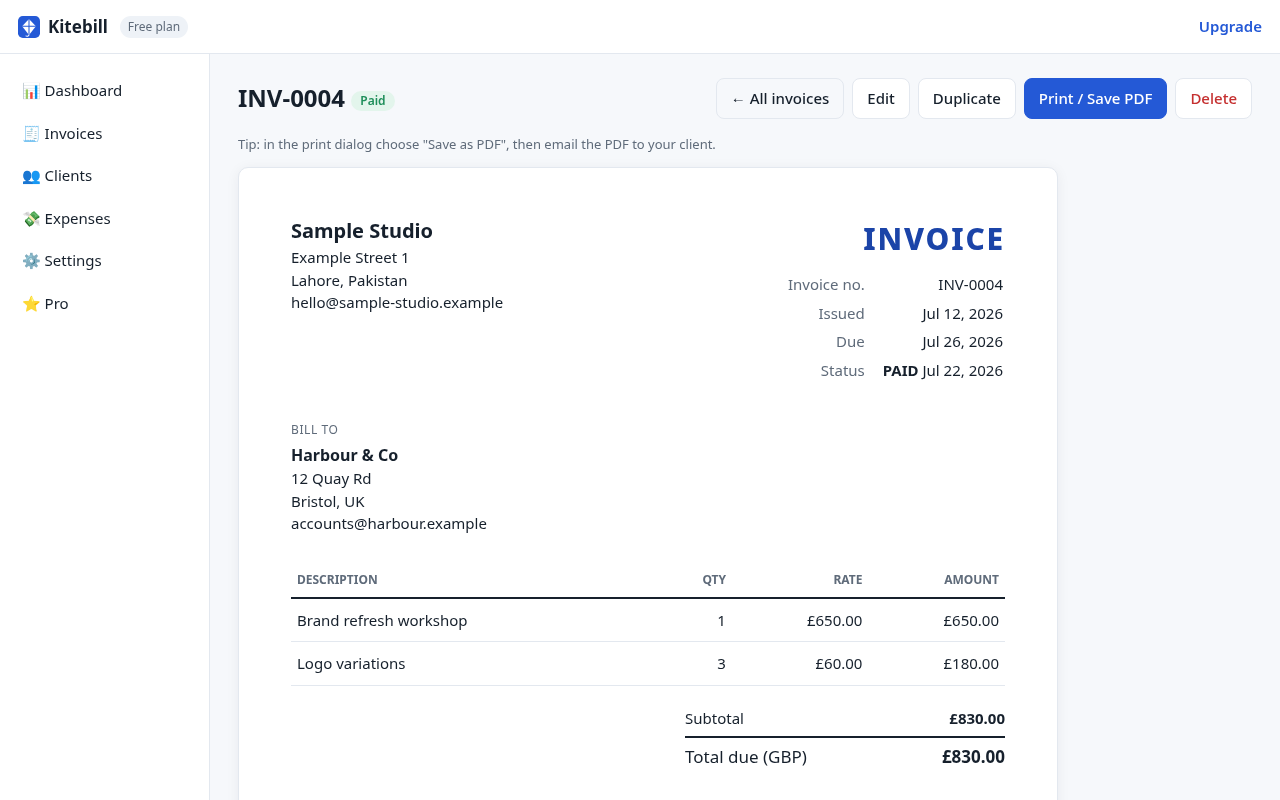
| Field | Example |
|---|---|
| New invoice number | INV-0042 (do not reuse the overdue invoice's number) |
| Line | Late fee on INV-0038 (due 1 Sep, still unpaid as of 3 Oct) — 2% as per MSA §7 |
| Notes | Original principal remains due. Pay INV-0038 + this fee. Fee stops accruing when principal is paid. |
| Attachment | Optional: copy of the original PDF |
Fairness beats aggression
A small, documented fee plus a phone call usually recovers more than a hostile PDF. If the client is waiting on your revision, fix that first — then fee.
Tracking overdue in Kitebill
In the app, invoices marked Sent that pass their due date become Overdue automatically. That is a status for you; it does not email the client or invent a fee. See overdue invoice tracker.
What we do not do
No automatic late-fee engine, no collections agency, no legal threats. You type the fee you are allowed to charge. Not legal advice.
Make the PDF
Free generator → one late-fee line → Notes reference the original invoice → Print. Or duplicate in the app and edit. Pro US$29 once if you need unlimited history.
Questions
Can I add the late fee onto the original invoice?
Better as a new invoice referencing the old number — cleaner for AP and for your records.
Does Kitebill auto-charge late fees?
No. Status becomes overdue; fees are manual.
What % is normal?
Whatever your signed terms say. Do not invent a rate after the fact.