 Kitebill
Deposit invoice: how to bill a booking retainer
A deposit invoice is not a vague "fee". It should say what the money is for, how it applies to the final job, and what happens if the client cancels.
What a clear deposit invoice includes
- Label the line "Booking deposit — Autumn brand shoot" (not just "Deposit").
- Amount and % if the contract says 30% or 50%.
- What it secures: date held, kickoff, or first milestone.
- Balance due later: "Balance of US$X invoiced after delivery" in Notes.
- Refund / kill rules summarized in Notes (point at the signed contract).
Wording that AP understands
| Situation | Line description | Notes blurb |
|---|---|---|
| Creative booking | 50% booking deposit — Acme product stills 12 Oct | Deposit applies to final invoice. Balance due on delivery. Kill fee per contract §4. |
| Dev milestone | Kickoff deposit — Phase 1 discovery | Non-refundable after kickoff call on 5 Oct. Balance per SOW schedule. |
| Retainer advance | November retainer (billed in advance) | Covers Nov 1–30. Unused hours do not roll unless agreed in writing. |
After the deposit is paid
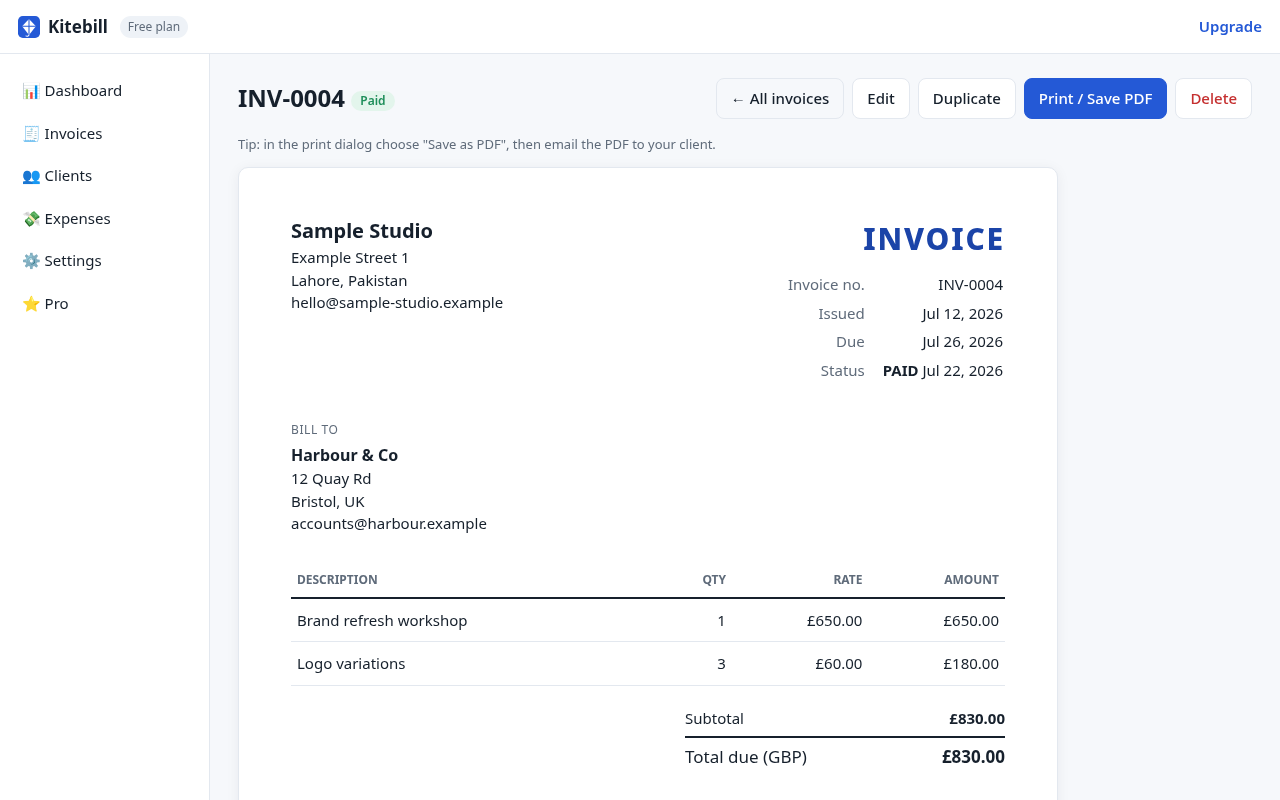
- Mark the deposit invoice Paid in the app.
- When the job finishes, create the balance invoice: full price minus deposit (two lines: "Project total" and "Less deposit INV-00xx").
- Keep both PDFs; AP often asks for the pair.
What Kitebill does not do
No payment links, no automatic "request deposit" buttons, no escrow. You list how to pay; the client pays outside the app. For late balances see late fee invoices and overdue tracking.
Make a deposit PDF now
Open the free generator, amount the deposit as a single line, put balance terms in Notes, Print/Save as PDF. Free plan or Pro US$29 once for unlimited clients.
Questions
Is a deposit the same as a partial payment?
Often legally related but word them clearly: deposit usually secures a booking; partial payment pays down a finished invoice. Follow your contract.
Can Kitebill collect the deposit by card?
No. Put bank/Payoneer/Wise details on the PDF.
Should tax apply to deposits?
Jurisdiction-dependent. Ask your accountant; this page is not tax advice.