 Kitebill
Upwork invoicing guide: on-platform vs your own PDF
If you met the client on Upwork, you generally invoice through Upwork — not with a Kitebill PDF — unless the relationship is converted. This page is a map, not a loophole.
Three different situations
| How you met | What to send | Use Kitebill? |
|---|---|---|
| Met on Upwork, work still on Upwork | Upwork's own hourly/fixed invoices and escrow | Not as a payment request. Optional: copy totals into the app as your books after payout. |
| Met on Upwork, want to work off-platform | Pay Upwork's Conversion Fee, then invoice however you both agree | Yes, after conversion — your PDF is then an ordinary freelance invoice. |
| Never met on Upwork (your own client) | Your own invoice | Yes. Upwork's own resource even says off-Upwork clients need your invoice (Upwork: how to invoice for freelance work). |
Circumvention (do not use this site for that)
Upwork's help centre describes circumvention as meeting on Upwork then taking payment outside without paying the conversion fee. They treat it as a Terms of Service violation that can mean permanent suspension (Upwork: why you shouldn't get paid outside Upwork). {BRAND} will not help you hide an off-platform payment. If the client asks you to "just send a Wise invoice this once", point them at conversion or keep the contract on Upwork.
Conversion Fee facts (as of Oct 2026)
Checked 2026-10-02 on Upwork's help article. Always re-read their page before you pay anything — they can change the formula.
- After you find each other on Upwork, their Terms expect work and payment to stay on Upwork for the first two years unless you convert (Upwork: What is the Conversion Fee?).
- Conversion Fee = 13.5% of estimated annual earnings, described as 13.5% × hourly rate × 2,080 hours (52 × 40). Example on their page: $30/h → $8,424 fee; $50/h → $14,040 fee.
- Hourly contracts: they use the highest hourly rate between that client and freelancer.
- Fixed-price contracts: they use the hourly rate on the freelancer's profile.
- Discounts may apply (time-based after two years; activity-based). Shown during the conversion flow — we cannot compute yours.
- Fee is paid in full, one payment method; client typically starts the process; you may split the cost privately.
- After conversion, Upwork says they no longer provide payment protection or dispute help for that relationship.
Primary source: Upwork: What is the Conversion Fee?. Related: Upwork: why you shouldn't get paid outside Upwork, Upwork Legal / User Agreement.
Using Kitebill as your books (still on Upwork)
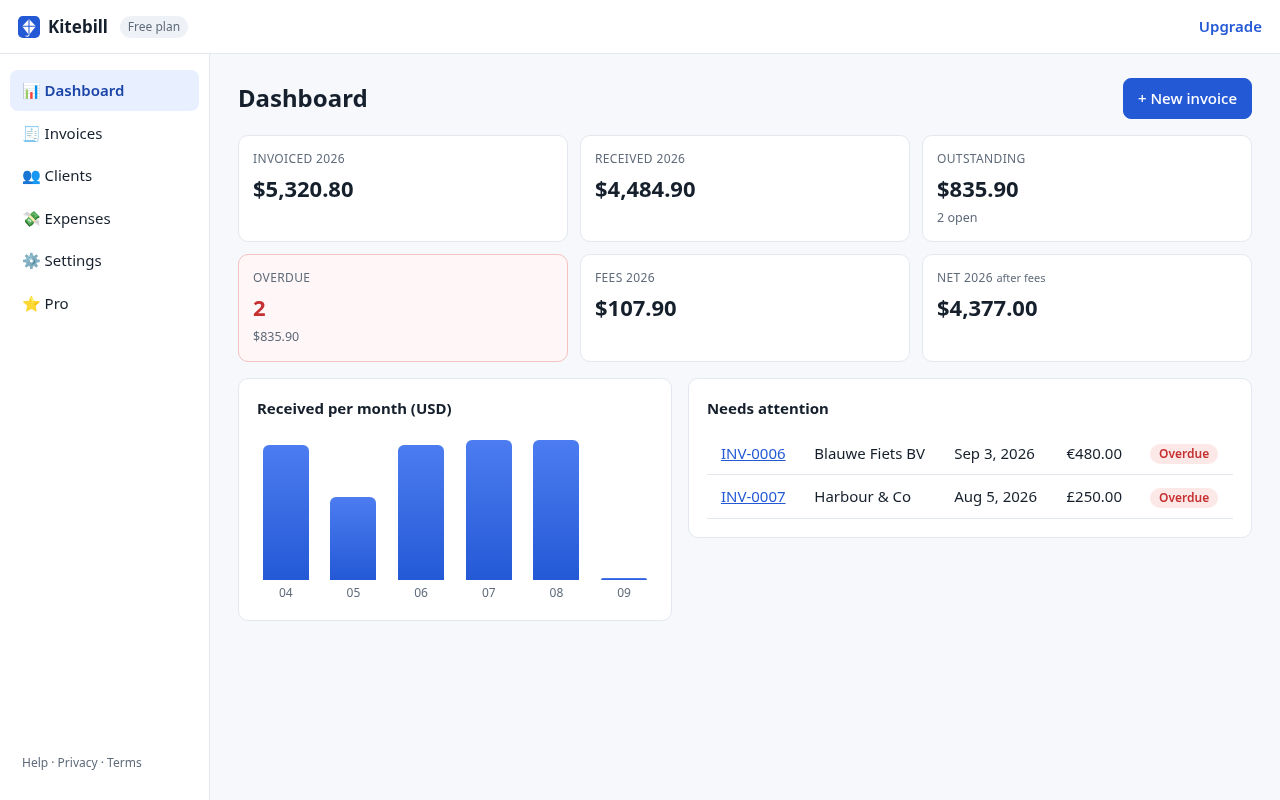
Allowed and useful: after Upwork pays you, create a paid invoice in the app for your own records — client name, amount, the rate you actually got, and the marketplace fee. That is bookkeeping, not a second payment request to the client. Do not email that PDF to an Upwork client as a bill while the contract is on-platform.
Direct contracts / clients you bring
Upwork also lets you invoice clients who are not already on the platform (their "how to invoice" article mentions Direct Contracts). That is Upwork's product, not ours. If you instead invoice those clients yourself, a Kitebill PDF is fine.
Pakistan / Gulf freelancers
Upwork payouts often land in USD then convert. Record the payout FX and fees in the app — multi-currency, USD→PKR. That does not replace Upwork's tax forms.
Start (only when it is legitimate)
Free generator for your own clients · app for records · Pro US$29 once. We are not affiliated with Upwork.
Questions
Can I send a Kitebill invoice to my Upwork client to skip fees?
No. That is the circumvention they warn about. Convert the contract or stay on Upwork.
Can I log Upwork earnings in Kitebill?
Yes, as your private books after payout. Do not send that PDF as a duplicate bill.
Are the 13.5% / 2,080-hour figures guaranteed?
They were on Upwork's help page on 2026-10-02. Recheck before you rely on them.