 Kitebill
USD to PKR invoice tracking for freelancers
Overseas clients pay in dollars. Your life runs in rupees. Here is how to keep the invoice honest for the client and the books honest for you.
Why USD invoices feel wrong in PKR
You send a clean USD 1,000 invoice. Weeks later, Payoneer, Wise, Upwork or a bank credit shows a PKR number that is not "1000 × Google's rate". Three things usually moved:
- Platform or marketplace commission taken before payout.
- Withdrawal or wire fees (fixed or percentage).
- The exchange rate your provider actually gave you, which is rarely the mid-market rate you saw when you quoted.
If your books only store the invoice total, your "income" is fiction. You need the amount that hit the account.
What to put on the invoice (still USD)
Keep the client-facing PDF in the currency you agreed — usually USD. Do not convert the PDF to PKR unless the contract says PKR. Conversion is your bookkeeping problem, not theirs.
- Invoice in USD with clear payment instructions (Pakistan template).
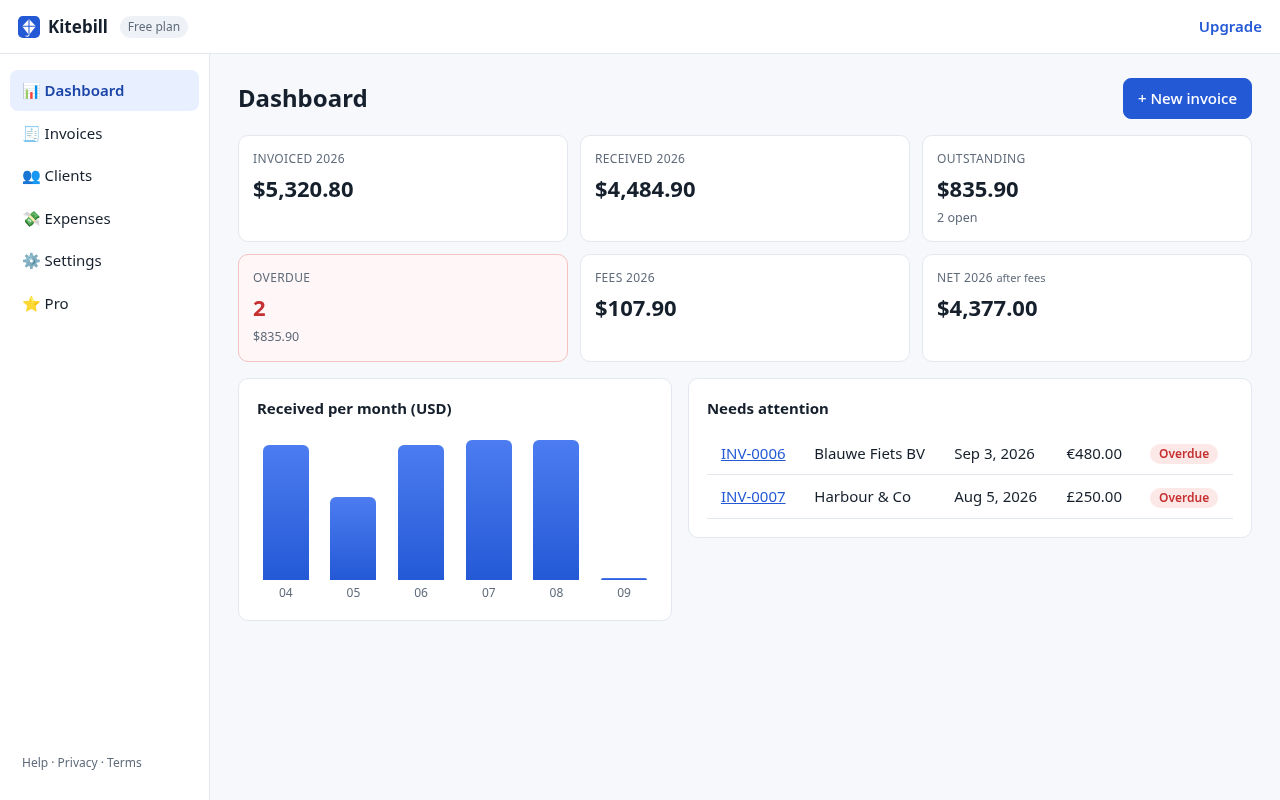
- When money arrives, open the invoice in the Kitebill app.
- Enter the exchange rate you got, fees, and confirm the net that arrived.
A simple worked pattern (illustrative numbers)
| Step | Example |
|---|---|
| Invoice total | USD 1,000.00 |
| Marketplace fee (example 10%) | − USD 100.00 |
| Amount withdrawn | USD 900.00 |
| Provider FX (example) | 1 USD = 278 PKR |
| Gross PKR before local fee | 250,200 PKR |
| Withdrawal fee (example) | − 500 PKR |
| What to record as received | 249,700 PKR |
Figures above are invented for teaching. Your fees and rates will differ. Kitebill does not fetch live FX; you type the rate from your statement.
Why not auto-convert on the PDF?
Auto-converting confuses clients ("I agreed $1,000, why does this show PKR?"). Keep the commercial document stable; keep FX in your private records.
Related
Pakistan guide · Pakistan template · Urdu labels for local PKR clients.
Try it
Make a USD invoice PDF free, then track fees in the app. Pro is US$29 once if you outgrow 3 clients / 10 invoices.
Questions
Does Kitebill pull live USD/PKR rates?
No. Enter the rate from your payout statement so the books match reality.
Should the client see the PKR amount?
Only if you contracted in PKR. Otherwise keep the PDF in USD.
Does this work for GBP or EUR too?
Yes. Any invoice currency plus a base currency and fees in the app.