 Kitebill
Urdu invoice: English + Urdu labels (free)
Need an invoice your local client can file with Urdu headings? Switch on English + Urdu labels and print a PDF in under a minute.
What an "Urdu invoice" means here
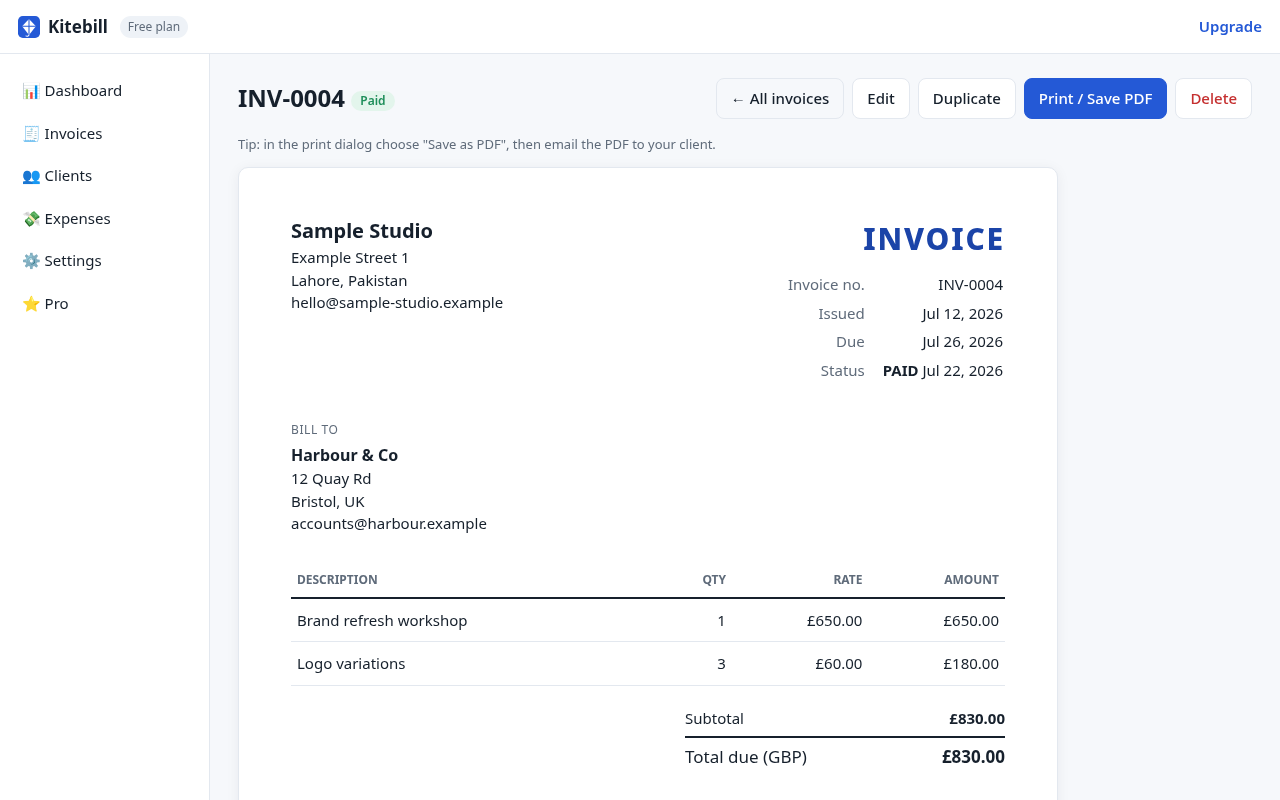
Kitebill can print bilingual English + Urdu labels on the invoice (Invoice no. / انوائس نمبر, Total due / کل واجب, and similar headings). Your line-item descriptions stay whatever language you type — usually English for tech work, Urdu or mixed for local services.
This is different from a fully Urdu-only legal template. If a court or regulator needs a specific Urdu form, get that drafted by a professional; use Kitebill for everyday client PDFs.
Who asks for Urdu labels
- Local Pakistani SMEs whose accounts staff prefer Urdu headings.
- Clients who want bilingual PDFs for internal filing while still negotiating in English.
- Freelancers who send the same layout to mixed audiences.
How to turn Urdu labels on
- Free generator: choose English + Urdu in the language control, fill fields, print PDF.
- Full app: Settings → Invoice language → English + Urdu. New and duplicated invoices use those labels.
Bilingual labels are on the free plan. Pro (US$29 once) is for unlimited clients/invoices, expenses, CSV export and logo — not for unlocking Urdu.
Typography and PDF tips
- Use a browser that renders Urdu (Nastaliq/Naskh) cleanly; Chrome on desktop is fine for most users.
- In the print dialog, turn off "Headers and footers" so the URL does not appear on the PDF.
- Keep amounts in Western digits unless your client explicitly wants another style.
Deeper reading
Longer walkthrough: Urdu invoice guide. Side-by-side bilingual focus: EN+UR page. Pakistan fields: Pakistan template.
Questions
Is the whole invoice translated to Urdu?
Headings/labels are bilingual. Descriptions stay as you type them.
Do I need Pro for Urdu?
No. Urdu labels are free on /generate and in the app.
Can I mix Urdu descriptions with English labels?
Yes — type Urdu (or mixed) in the line-item fields.