 Kitebill
Pakistan invoice template (PKR, USD, IBAN, Payoneer)
A practical invoice template for freelancers working from Pakistan: the fields overseas clients expect, how to write payment instructions, and how to track what actually arrives after FX and fees.
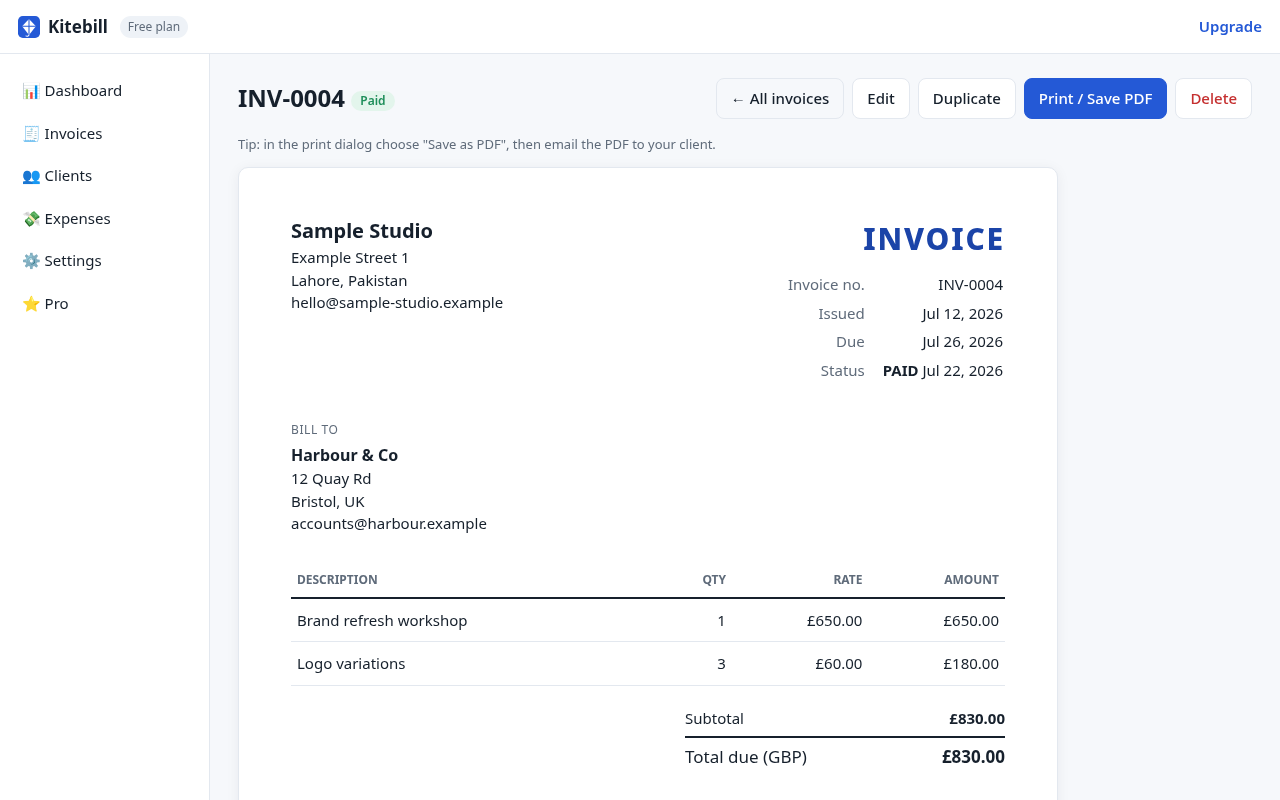
Template fields for a Pakistan-based freelancer
Use this as a fill-in checklist when you open the free generator or the app. For the longer payment and fees walkthrough, see the Pakistan invoice guide.
| Field | What to write | Why it matters |
|---|---|---|
| From | Legal name or sole-proprietor name, city (e.g. Islamabad), Pakistan, email | Overseas finance teams reject vague nicknames. |
| Bill to | Client legal company name + billing address | Needed for their AP system and wire memo. |
| Invoice # | Sequential (INV-0042). Never reuse. | Reconciliation and your own books. |
| Dates | Issue + due (Net 14 / Net 30 common abroad) | Agree the term in the proposal first. |
| Currency | USD/GBP/EUR for overseas; PKR for local | Client pays a fixed amount; you handle FX. |
| How to pay | IBAN (PK…) or Payoneer/Wise/PayPal email | Wrong details = delayed or returned wires. |
| Tax ID | NTN if you have one and the client asks | Not tax advice — ask a qualified adviser. |
IBAN and platform payout lines
- Pakistani IBAN: 24 characters starting with
PK(see iban.pk and IBAN registry). Also list account title, bank name and SWIFT/BIC for international wires. - Payoneer / Wise / PayPal: put the exact email or receiving link and which method you prefer.
- Fee wording: if the client agrees, "Sender pays bank charges (OUR)" can reduce intermediary cuts on wires.
When the invoice is in USD but you think in PKR
The PDF total is what the client owes. What lands in your bank after marketplace fees and FX is often less. In the app you can record the exchange rate you actually got and the fees taken off — see USD to PKR invoice tracking.
Local clients who prefer Urdu headings
Switch labels to English + Urdu in the generator or app Settings. Details: Urdu invoice and bilingual EN+UR.
Fill the template now
- Open /generate (no account).
- Set currency, From / Bill to, line items and payment instructions.
- Print or Save as PDF. Or keep the client in the app for next month.
Free plan: 3 clients and 10 invoices. Pro is US$29 once for unlimited use, expenses, CSV export and your logo. Kitebill makes PDFs — it is not a FBR e-invoicing portal.
Questions
Is this the same as the Pakistan guide?
The guide is a longer how-to. This page is the field-by-field template you fill in the generator or app. Both link to each other.
Should local clients get PKR invoices?
If you agreed PKR, yes. If you agreed USD, keep USD on the PDF even if you convert later.
Does Kitebill file taxes for me?
No. It is a record-keeping and PDF tool. Tax obligations are yours and your adviser's.