 Kitebill
Freelancer expense tracker (Pro: net income after costs)
Pro adds a simple expense list so the dashboard net is received − fees − expenses. It is not QuickBooks, and it is not a tax filing tool.
Why expenses are a Pro feature
The free plan already records platform/transfer fees on each paid invoice. That covers "Payoneer took $15". Business costs that are not attached to one invoice — Adobe, internet, a laptop, a course — live on the Expenses screen, which is Pro (US$29 one-time).
Categories in the app
When you add an expense you pick one of: Software, Hardware, Internet & phone, Platform fees, Bank & transfer fees, Office, Education, Travel, Marketing, Taxes, Other. Amount is in your base currency, with a date and optional note.
How net is calculated
- Received = amount you recorded on paid invoices (or the invoice total if you left received blank), converted with that invoice's rate.
- Fees = fees you typed on those paid invoices.
- Expenses (Pro) = sum of expense rows in that year.
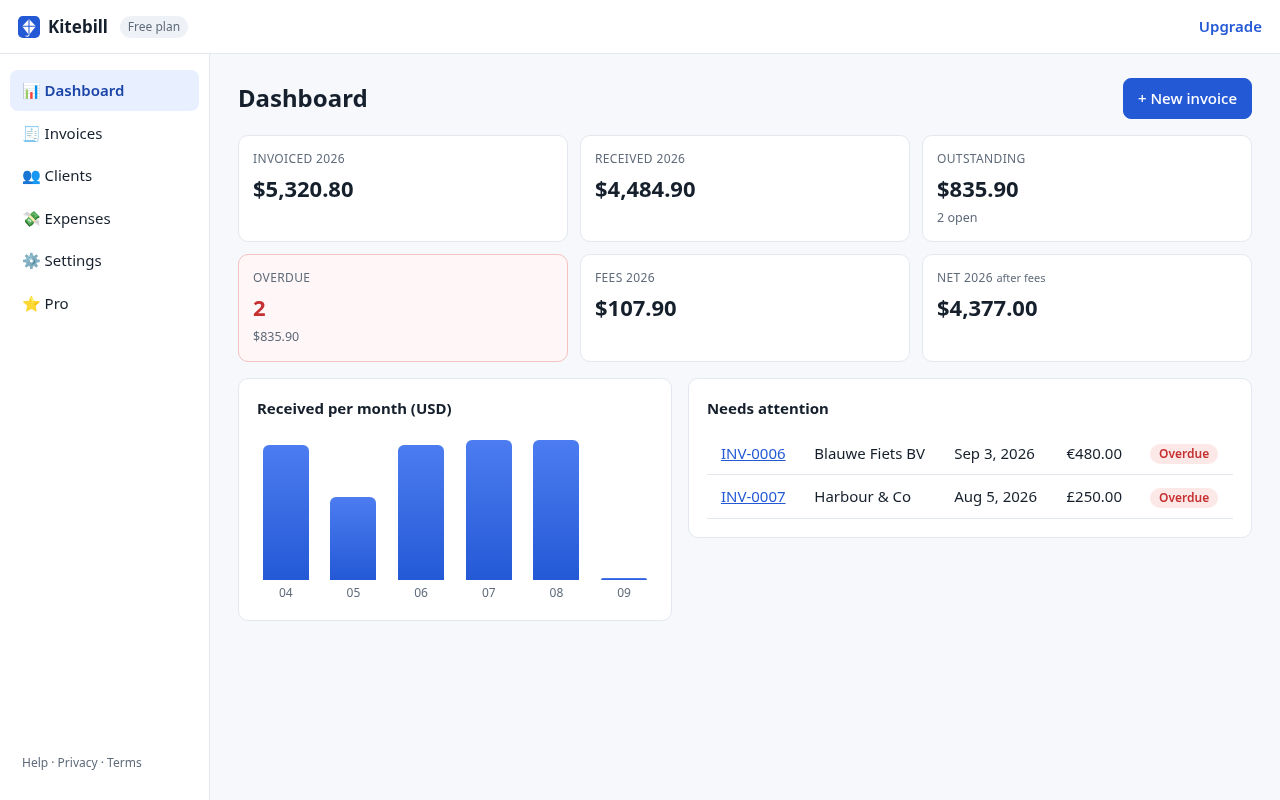
- Net = received − fees − expenses (Pro). On free, net is received − fees only.
Honest limits
- No receipt OCR, no photo attach, no mileage log, no VAT reclaim workflow.
- No bank import. You type the amount.
- No profit-and-loss report beyond the dashboard + CSV export (Pro).
- Not tax advice and not a substitute for the books your accountant wants.
- Data stays in this browser until you export a backup.
Invoice "expenses" vs this tracker
If a consultant invoices a client for reimbursable travel, that belongs on the client invoice as a line (see the consultant template). The Pro expense list is for your costs, so your net income is honest. Mixing the two confuses AP and your own numbers.
CSV
Pro can export invoices and expenses as CSV (formula-injection safe). Free cannot export CSV. Import of expenses is not offered; client CSV import is separate (free up to 3 clients).
Start
Try the app on the free plan first. If you need expenses + net, Pro is US$29 once with a 30-day refund. No subscription.
Questions
Are invoice fees the same as expenses?
No. Fees on a paid invoice are the cut taken to receive that payment. Expenses are other business costs. Both reduce net on Pro.
Can I use this for tax filing?
It is a personal record. Export CSV or keep PDFs for your adviser. We do not file anything.
Is there a free expense limit?
Expenses are Pro-only. There is no free '3 expenses' tier.